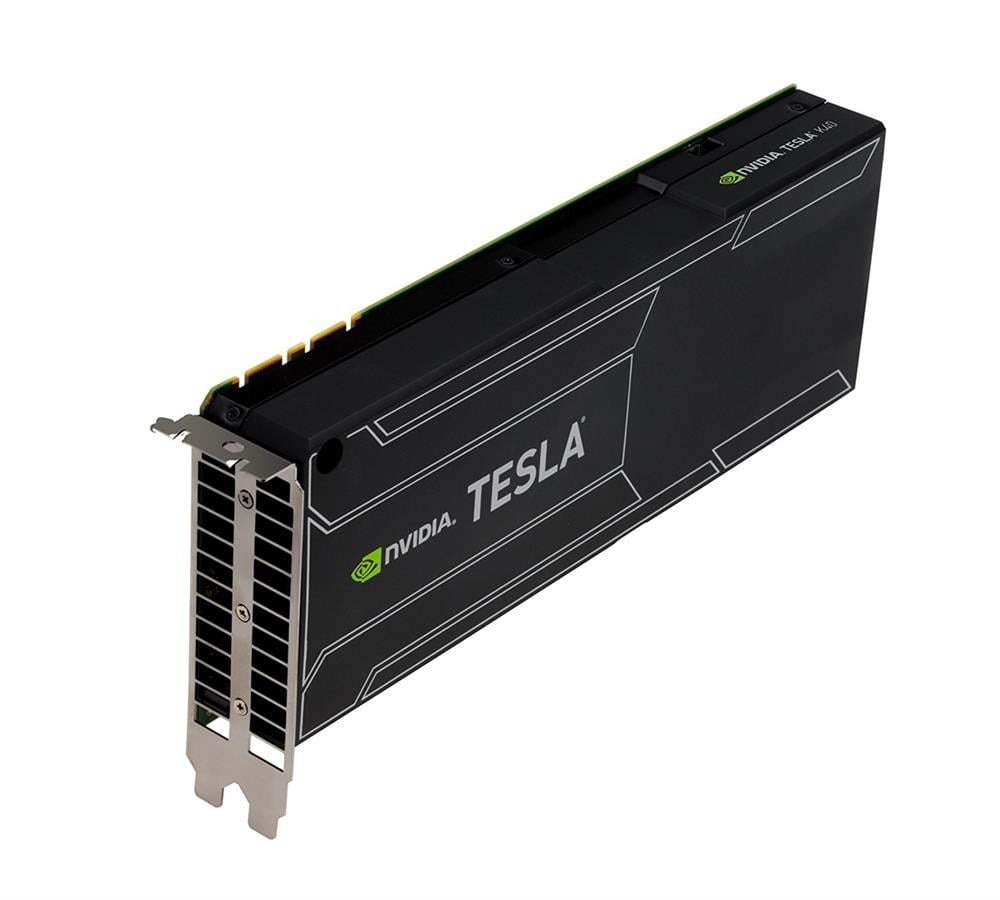
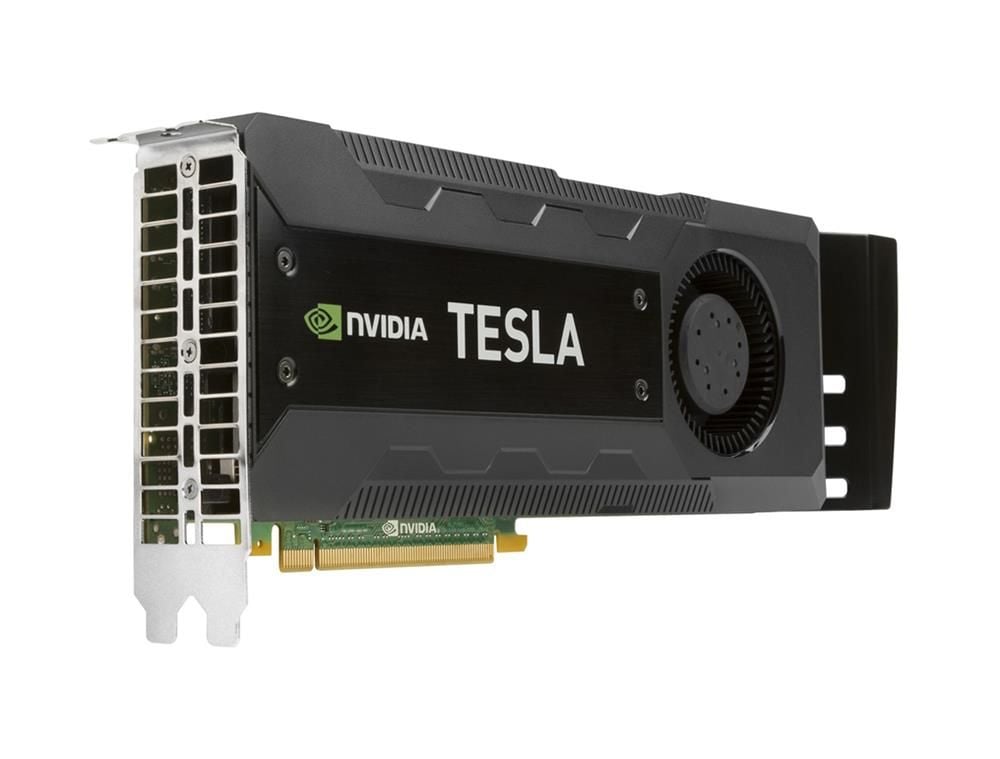
744718-001 HP Nvidia Tesla K40C Comp ACC Modle PCI Express X16 12GB GDDR5 SDRAM Graphics Card. Refurbished.
$58.49
$87.15
Description Performance Benchmarks of the K40C The HP Nvidia Tesla K40C is a high-performance graphics processing unit (GPU) that is designed for scientific and technical computing, data analytics, and machine learning applications. It features a powerful Nvidia Kepler architecture, with 2880 CUDA cores, 12 GB of GDDR5 SDRAM memory, and a memory bandwidth of 288.4 GB/s. Here are some of the performance benchmarks for the K40C: Linpack: The K40C has a peak performance of 4.29 teraflops on the Linpack benchmark, which is used to measure the floating-point computing power of a system. Caffe: The K40C delivers excellent performance on the Caffe deep learning framework, which is used for image classification, object detection, and other tasks. It can achieve up to 58 images per second on the ImageNet benchmark, which is a standard benchmark for image classification. Molecular Dynamics Simulation: The K40C can perform molecular dynamics simulations at a high speed, making it well-suited for scientific simulations in fields such as chemistry and biology. It has been shown to achieve up to 7.7 nanoseconds per day of simulation time on the GROMACS benchmark, which is widely used in molecular dynamics research. Weather Forecasting: The K40C can also be used for weather forecasting and climate modeling. It has been shown to achieve excellent performance on the Weather Research and Forecasting (WRF) model, which is used for regional weather and climate predictions. The K40C has been shown to deliver up to 17% faster performance compared to previous-generation GPUs. Installation and Setup of the K40C The HP Nvidia Tesla K40C graphics card is designed for use in servers and workstations that require high-performance computing capabilities. Here are the general steps for installing and setting up the K40C: Check System Compatibility: Before installing the K40C, it is important to make sure that your system is compatible with the card. Check the system requirements for the K40C, and ensure that your system has the necessary power supply, PCIe slots, and cooling solution to support the card. Prepare the System: Turn off the system and unplug it from the power source. Open the system case and locate an available PCIe 3.0 x16 slot that is compatible with the K40C. Install the Card: Gently insert the K40C into the PCIe slot, making sure that it is securely in place. Connect the necessary power cables from the power supply to the K40C, following the instructions in the user manual. Install the Drivers: Download the latest drivers for the K40C from the Nvidia website and follow the instructions to install them on your system. Configure the Card: Once the drivers are installed, configure the K40C settings using the Nvidia control panel or other tools provided by your operating system. You can adjust settings such as clock speed, power consumption, and fan speed to optimize the performance of the K40C. Test the Card: Run benchmark tests or other applications to ensure that the K40C is functioning properly and providing the expected performance. It’s important to note that the installation and setup process for the K40C can vary depending on your system and specific use case. Be sure to follow the instructions provided in the user manual and consult with a professional if you have any questions or concerns. Comparison with Other High-Performance Graphics Cards The HP Nvidia Tesla K40C is a high-performance graphics processing unit (GPU) that is designed for scientific and technical computing applications. It is a powerful card that offers excellent performance, memory bandwidth, and support for parallel processing. Here are some comparisons with other high-performance graphics cards: Nvidia Tesla K80: The K80 is a dual-GPU card that features 2x Kepler GK210 GPUs, with a total of 4992 CUDA cores and 24 GB of GDDR5 memory. The K80 offers higher memory bandwidth than the K40C, but the K40C has more CUDA cores and is more power-efficient. Nvidia Tesla P100: The P100 is a newer card that features the Pascal GP100 GPU, with 3584 CUDA cores and 16 GB of HBM2 memory. The P100 offers faster memory bandwidth and improved power efficiency compared to the K40C, but the K40C has more CUDA cores. Nvidia Titan RTX: The Titan RTX is a high-end gaming and professional graphics card that features the Turing TU102 GPU, with 4608 CUDA cores and 24 GB of GDDR6 memory. The Titan RTX offers faster clock speeds and better performance on gaming and creative applications, but the K40C is designed for scientific and technical computing applications. AMD Radeon Instinct MI60: The MI60 is a high-performance GPU that features the Vega 20 GPU, with 4096 stream processors and 32 GB of HBM2 memory. The MI60 offers faster memory bandwidth than the K40C, but the K40C has more CUDA cores and is more power-efficient. Key Features: Type: Graphics Card Card Interface: Pci Express X16 Compatibility: Pc Processor: Graphic Processor: Nvidia Tesla K40c. Ramdac Speed: 400 Mhz Memory / Technology: Installed Memory: 12GB Memory Tech: Gddr5 Sdram Technical Features: Form Factor: Plug-In Card Max Screen Resolution: 2048 X 1536 @ 85hz Api Supported: Opengl 3.0, Directx 10 Shader Model: 4.0 Input / Output: Display Interface: Dvi-I (Dual Link) X 1